Adobe Dreamweaver
Adobe Dreamweaver for creating and designing web pages in a modern style, with editing abilities in Live View

Safe & Secure
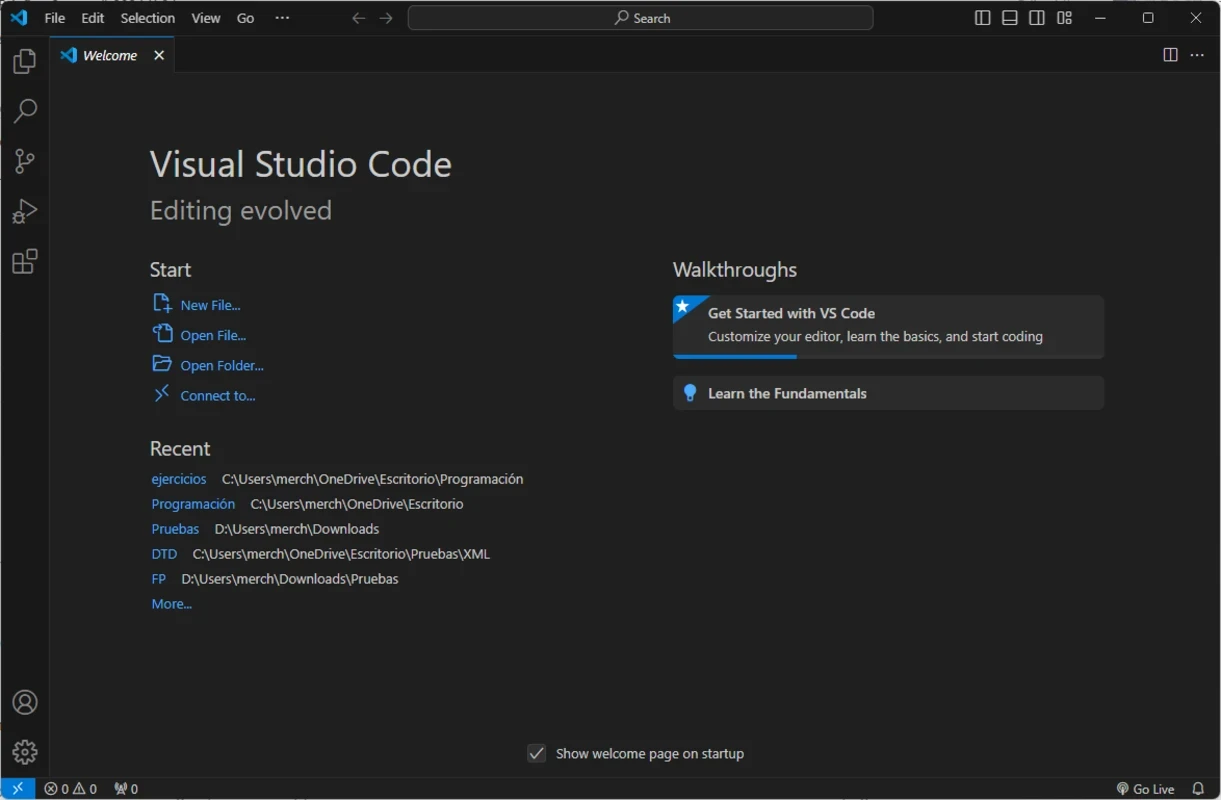
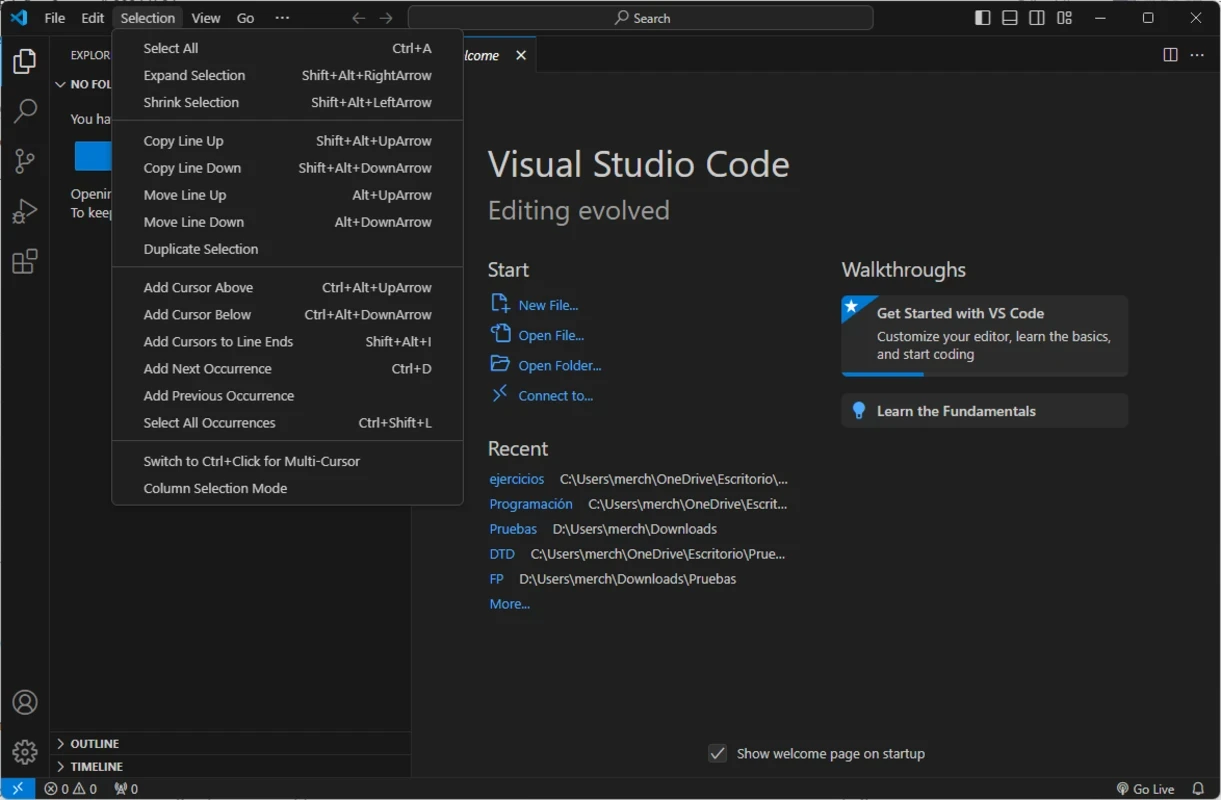
Visual Studio Code is an open-source, free code management tool that allows users to easily write, debug, and version code across multiple devices. The multi-platform tool offers awesome services for programmers and software developers, providing a lightweight, highly customizable, and comprehensive development environment.
The innovative tool is integrated with a terminal, called IntelliSense and Git tools to complete routine development tasks more reliably. The support for an extensive number of extensions helps to enhance productivity, adding languages, linters, themes, and debugging tools as well.
Visual Studio Code, commonly known as VS Code, developed by Microsoft Corporation, launched in April 2015; it is available under the Microsoft Software License. As with open-source software, you can access the source code through GitHub. It allows developers to easily debug, highlight syntax, complete code, snippets, refactor code, and embed version control with Git.
It provides a powerful and intuitive environment with multilingual support, such as JavaScript, Python, and C++ for writing, editing, and debugging code. No need to switch to other windows; instead, use the built-in terminal to run commands and scripts.
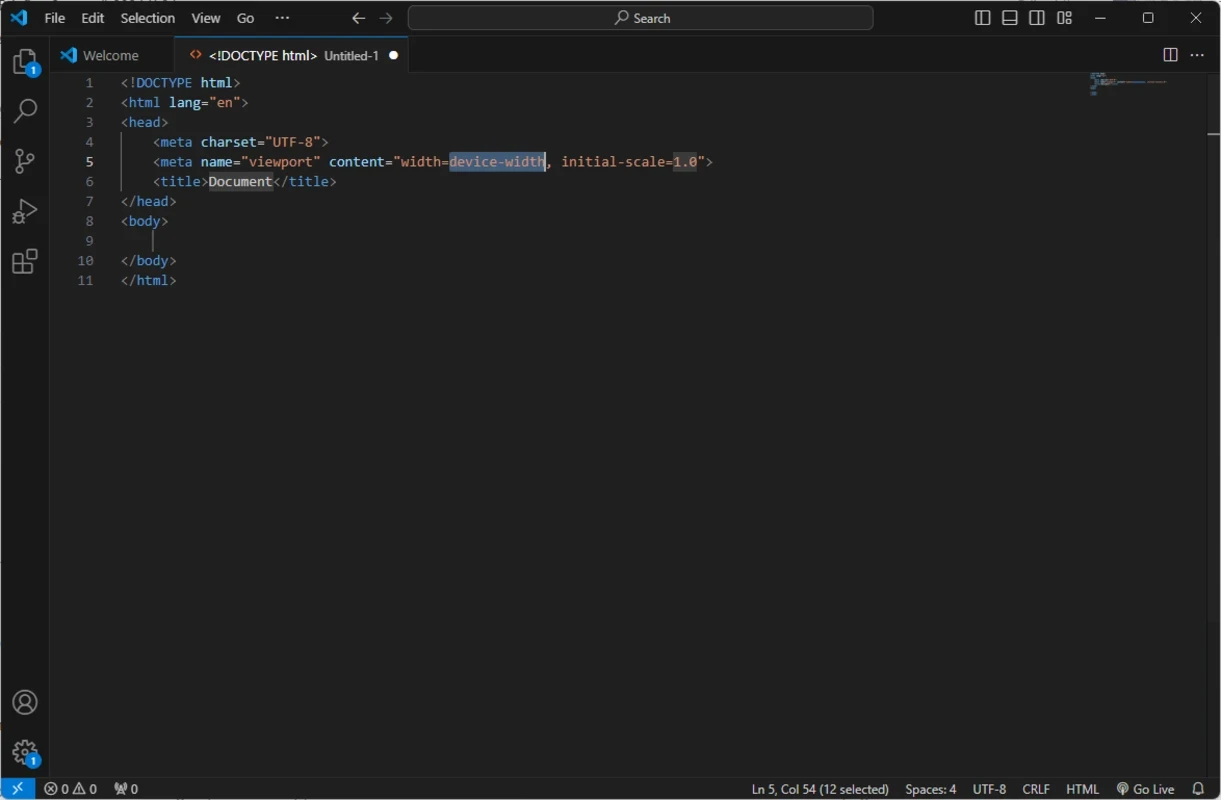
The app offers a lightweight yet feature-rich environment to make the entire process fast and agile, as it is embedded with powerful features, including syntax highlighting, refactoring, auto-completion, and so on. In the way, you will capable of writing code quickly, reducing the errors with the simple environment, which offers a fluid and adaptable user experience.
Beyond simple syntax highlighting and auto-completion, the app also offers built-in IntelliSense. It offers smart suggestions for building an accurate understanding of the code. The suggestions are based on the variable types, function definitions, and imported modules, enabling users to write and debug the code more reliably.
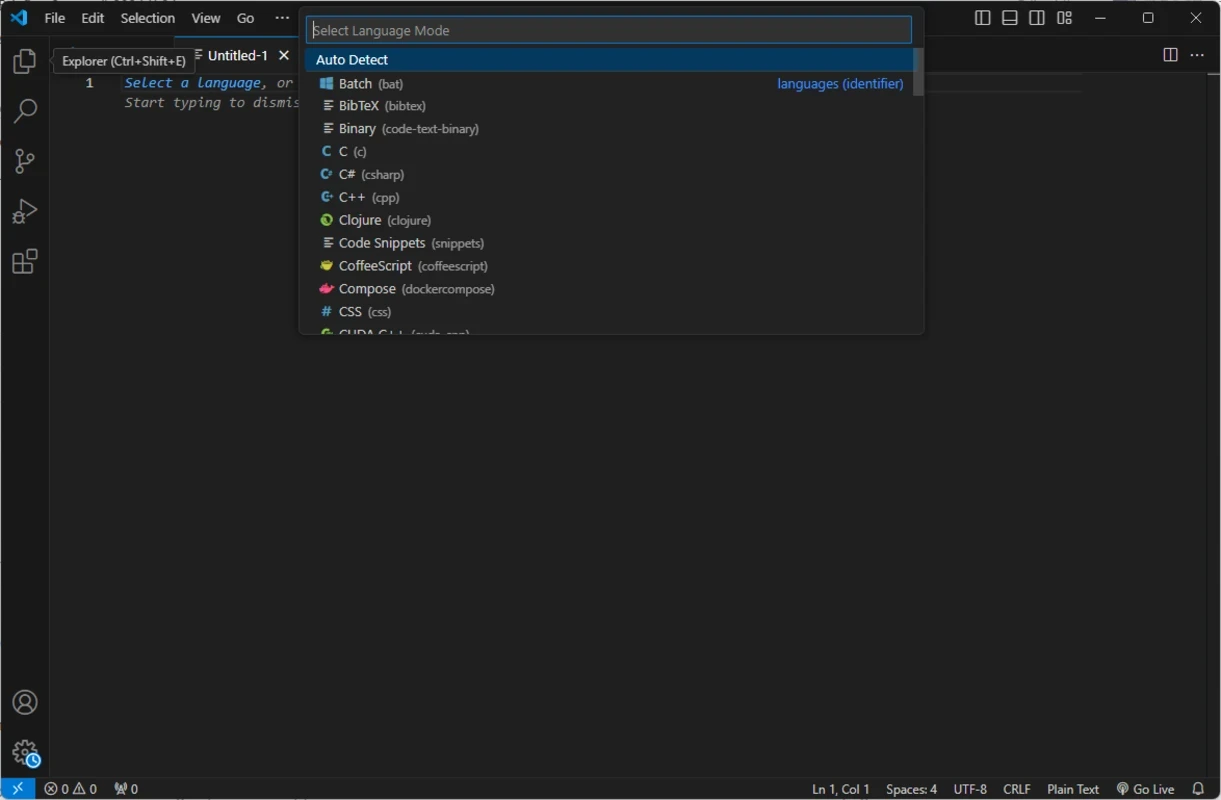
The support for wide variety of programming languages, such as JavaScript, Python, Java, C++, PHP, Go, HTML, and lot of others. The availability of a huge marketplace with an extensive number of extensions enables developers to add more languages if they aren’t satisfied with the available library. Moreover, it also allows to add linters, formatters, themes, and framework-specific tools as well to enhance the code functionality.
It is one of the significant features, as the native integration with Git streamlines the Git workflow while collaborating with other source control management (SCM) providers. The built-in Git commands are helpful in offering all activities within a single interface, such as committing right from the editor, reviewing diffs conveniently, staging files, managing branches, and even viewing changes. The more streamlined workflow helps to control the code more efficiently and collaboratively within seamless and straightforward GitHub integration. Moreover, you will be capable of pushing and pulling from any hosted SCM service.
The app offers a user-friendly interface, which is reliably useful for technical users, allowing them to reliably control everything using keyboard shortcuts, settings, themes, and keymap extensions. It also reduces the manual file management through enabling Auto Save option, specifically best for new users. However, teams are capable of tailoring the editor through project-specific extensions. In cases involving SDKs, interpreters, or environment paths, the advanced language setup demands manual configuration.
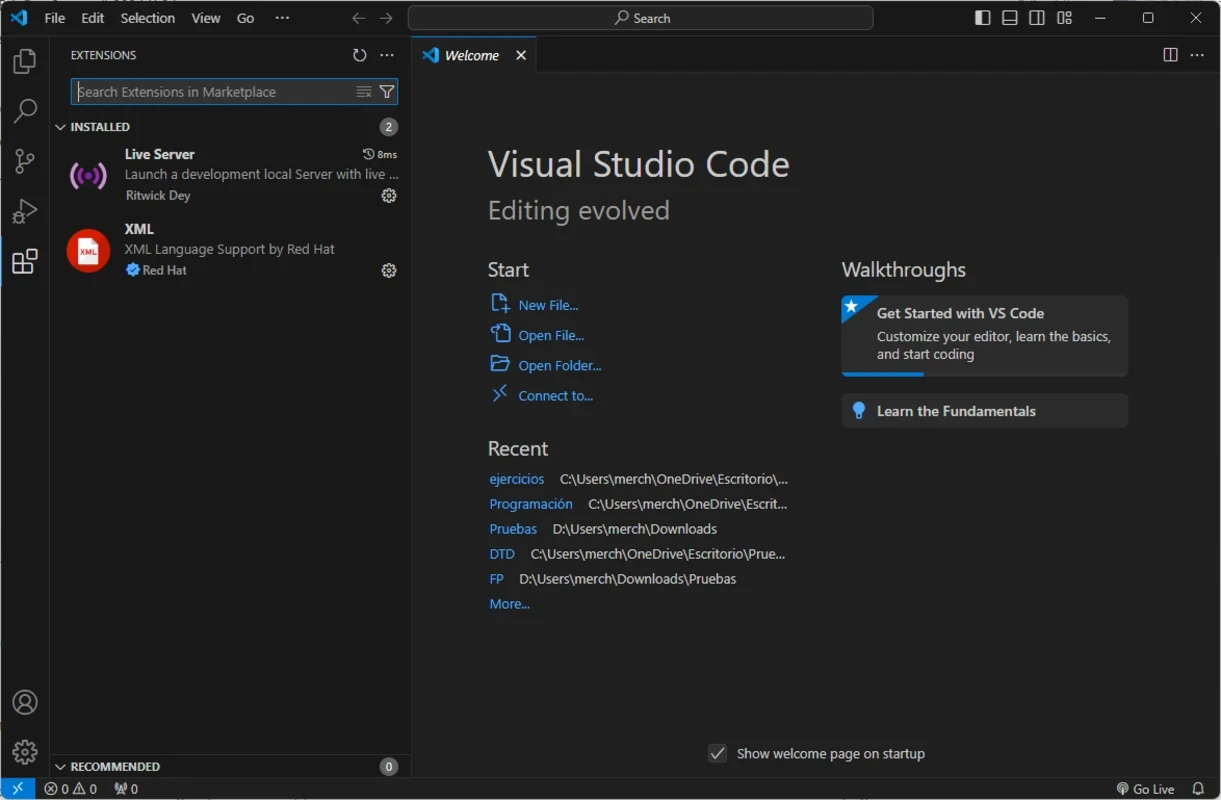
The availability of huge extension marketplace helps the developers to install different types of extensions for different purposes, such as language-specific support, productivity add-ons, debugging tools, and lot of others. You need only to navigate to the Extensions section from the left-side menu to install extensions for whatever technology you want. Moreover, it allows developers to customize keyboard shortcuts, themes, and other elements related to the development environment.
The app with fast adaptability proves highly configurable and adjustable for all types of configuration, from web and mobile development to desktop apps as well. It is also integrated with a debugger to offer deep debugging for code without switching to external alternatives. It helps to utilize breakpoints, call stacks, and an interactive console for effective troubleshooting; regardless for launching and attaching to your running applications.
The app offers seamless collaboration while offering the Live Share feature to enable developers to reliably share their workspace and code with other users in real-time. The feature allows users to edit the code simultaneously, proving the best option for team programming, code reviews, or tutoring sessions. It enhances the workflow within optimized remote collaboration.
Pros
Cons

Adobe Dreamweaver for creating and designing web pages in a modern style, with editing abilities in Live View

Notepad++ is an open-source utility, supports multiple programming languages to edit text and source code

XAMPP empowers web developers to build a local web server with the addition of MySQL, PHP, and Perl.

Android Studio builds Android apps with support for a comprehensive development environment

PSeInt provides comprehensive tools to learn algorithm logic

Arduino IDE verifies, compiles, and uploads Arduino software with cloud integration